
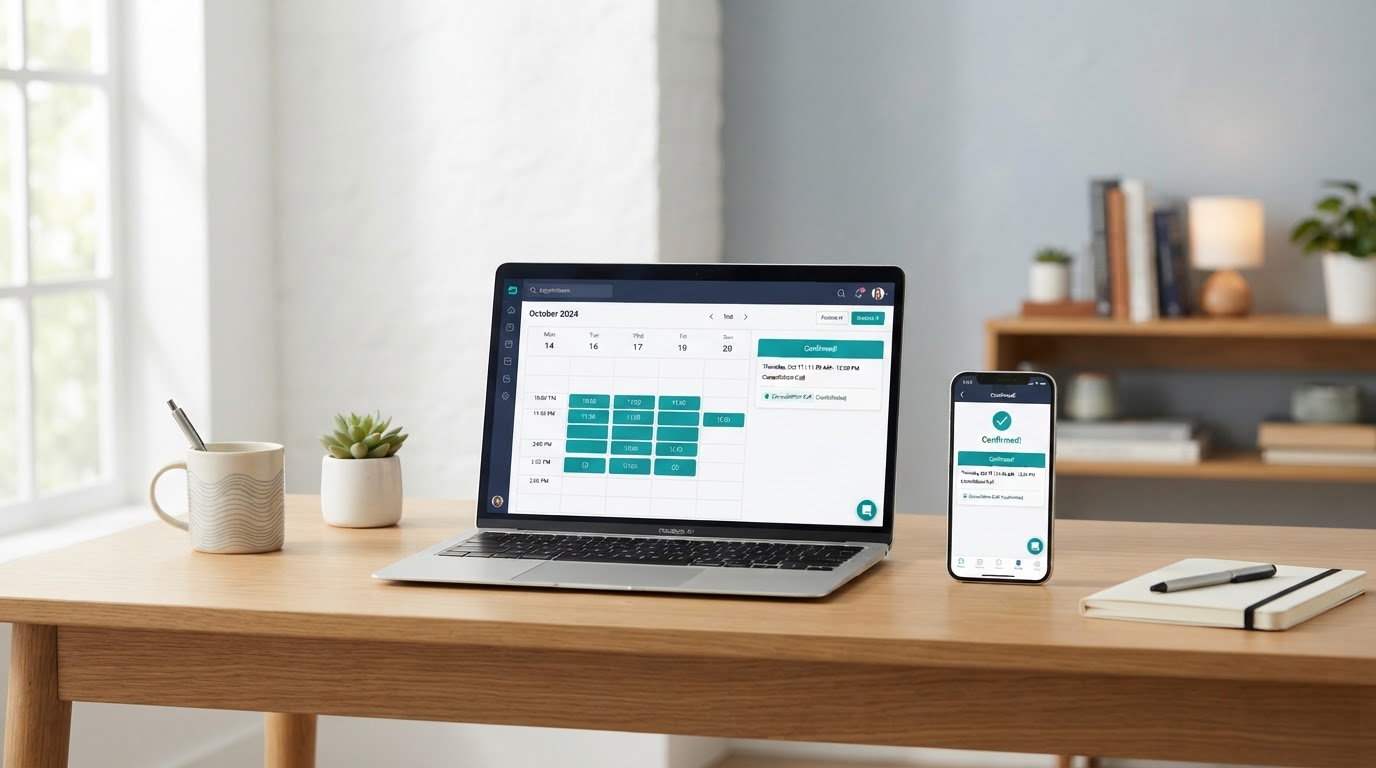
Appointment Booking Systems That End Phone Tag and Double Booking
Online scheduling tied to your real calendar, with intake forms, confirmations, and consent-based reminders, so customers book themselves and actually show up.
What Appointment Booking Systems Mean in Plain Language
An appointment booking system is an online scheduling page connected to your real calendar. Instead of calling back and forth to find a time, a customer picks an appointment type, sees the times you are actually free, fills out a short intake form, and books. The system holds the slot, sends a confirmation, and follows up with consent-based reminders, so the appointment stays on both of your minds.
RJ Semaj Solutions sets up booking around how your business really works: your appointment types, your hours, your buffers, and the details you need before a conversation. When it makes sense, the booking connects to your CRM and follow-up so a scheduled appointment becomes part of one connected workflow, not a stray calendar entry. We explain it in plain language and test it before launch.
Who This Is a Good Fit For
Appointment booking systems are a good fit for service businesses that schedule conversations with customers and want to stop managing it by hand.
- A business that books consultations or discovery calls
- A business that schedules estimates or assessments
- A business that sets recurring customer meetings
- A business losing time to phone tag and double booking
- A business that wants reminders to run without manual work
Who May Not Need It Yet
Online booking is not always the first step. You may not need it right now if any of these are true.
- You book very few appointments and can handle them in a few messages
- You have no reliable calendar to connect availability to
- You need a website or landing page before a booking page makes sense
- Your appointments require a custom approval process a self-service page cannot handle
Common Needs We Help With
These are the everyday scheduling problems small businesses bring to us. We address them with a connected booking system, not fear or exaggerated promises.
Phone tag
Customers call when you cannot answer, leave a message, and play scheduling volleyball across several days.
Double booking
A slot gets promised twice because availability lives in your head or a paper calendar, not a live system.
Missed appointments
People forget, and with no reminder there is no nudge, so the time is lost and no one is notified in time.
Confusing availability
Customers cannot tell when you are free, so they guess, get it wrong, and give up before booking.
Incomplete intake information
The appointment happens, but you walk in without knowing what the customer needs, so the first minutes are wasted.
Manual reminders
You text or call each person yourself, which works for a few bookings but breaks down as the calendar fills.
The RJ Semaj Solutions Approach
We define appointment types and rules, configure availability and buffers, build the booking experience, connect confirmations and reminders, test time zones and mobile use, and train you on managing it. We explain technology in plain language, recommend only the tools that fit your needs, separate each client's information, include human-review points, and test systems before launch.
AI may support drafting and production, but it does not replace professional review. Every booking page, intake form, and reminder is checked by a person before it goes live.
The Customer Booking Journey, Step by Step
Five connected steps from a customer's first click to a prepared, attended appointment. This is an illustrative example flow, not a real client record. Each step is built and tested before launch so the path works end to end.
- 1
Select
The customer picks an appointment type on your booking page, with no need to call or email back and forth.
- 2
Qualify
A short intake form collects the details you need, such as the service requested and a brief note, before the conversation.
- 3
Schedule
The customer chooses an open time from your real availability, and the slot is held so two people cannot grab it.
- 4
Confirm
An automatic confirmation and consent-based reminders keep the appointment top of mind without manual work.
- 5
Attend
The customer shows up prepared, and the booking is recorded in your CRM so the conversation has context.
What a Connected Booking System Gives You
These are operational and customer-experience benefits. We do not promise financial results, booking volume, or a specific no-show rate.
Customers book themselves
Self-service booking means a customer can schedule any time, day or night, without waiting for you to reply.
Availability you can trust
Booking reads your real calendar with buffers, so a slot is only offered when you can actually take it.
Fewer no-shows
Automatic confirmations and consent-based reminders keep the appointment visible, so people show up more often.
Better-prepared conversations
A short intake form means you know what the customer needs before the call, so the time is used well.
Less manual work
Confirmations, reminders, and rescheduling rules run without you, so you spend time on customers, not logistics.
Connected to your CRM
Each booking lands in your CRM with context, so the conversation continues instead of starting over.
How a Booking Project Unfolds
Six steps from defining your appointment types to launch. The exact timeline depends on your scope, access, and how quickly approvals move, and is shared in your proposal before work begins.
- 1
Define Appointment Types and Rules
We define your appointment types, durations, and the rules for each, so the booking page reflects how your business actually works.
- 2
Configure Availability and Buffers
We set the days and hours you accept appointments and apply buffers between meetings, so double booking and back-to-back overload do not happen.
- 3
Build the Booking Experience
We build the booking page and intake form, using AI to support drafting and production with human review, so customers book themselves in seconds.
- 4
Connect Confirmations and Reminders
We connect automatic confirmations and consent-based email and SMS reminders, so the appointment stays top of mind without manual work.
- 5
Test Time Zones and Mobile
We test the booking flow, time-zone behavior, and mobile use end to end with human-review points before launch.
- 6
Train the Client
We walk you through managing availability, viewing bookings, and adjusting rules, then launch only after you approve it.
Possible Booking Scopes
These describe common scopes so you can think about what fits. Prices, inclusions, and revision limits are defined in your written proposal after we understand your needs. We do not publish prices here.
Single-calendar setup
One booking page tied to one calendar, with appointment types, availability, intake form, and consent-based reminders. Suited to a solo business or a single scheduler.
Team or round-robin scheduling
Booking that routes to specific people or distributes evenly across your team, so each person's availability is respected. Suited to a business with more than one person taking appointments.
Multi-service booking
Separate appointment types and rules for different services or meeting lengths, so each offering has its own flow. Suited to a business that books more than one kind of appointment.
What We Ask of You
A booking system that works depends on a few things from your side.
- Telling us your real appointment types, durations, and the rules for each
- Confirming the days and hours you accept appointments and any buffers you need
- Granting access to your calendar, CRM, or tools only when needed and as agreed in your proposal
- Reviewing and approving the booking page, intake form, and reminder wording before launch
Honest Limitations
Clear terms are part of every project. Here is what we do not promise.
- We do not guarantee a specific no-show rate, booking volume, revenue, or business result
- We do not guarantee compatibility with every calendar or tool on the market
- Messaging requires clear consent and follows your written agreement
- Project timelines depend on your scope, access, and how quickly approvals move
- Platform, phone, email, text, and usage charges from third-party tools are separate from our service fee and are disclosed in your proposal
Related Services and Logical Next Steps
Booking works best when it sits on a clear website, connects to organized contacts, and feeds a follow-up and onboarding process. These services pair naturally with appointment booking.
Professional Website Design
A booking page works best on a clear, mobile-friendly website that explains your services first.
Automated Lead Follow-Up
Consent-based email and SMS follow-up so a booked appointment stays warm before and after the call.
CRM Setup and Contact Organization
Each booking lands in an organized CRM so the conversation has context and history.
Client Onboarding Automation
Turn a booked and completed appointment into an onboarding workflow that starts itself.
Appointment Booking Systems Questions
Practical answers about calendar connections, availability, rescheduling, reminders, time zones, team assignment, and intake forms.
Let's Give Your Customers a Way to Book Themselves
Schedule a free business growth assessment. We'll review how you book appointments today, where the friction is, and what a connected booking system could look like for your business. No obligation.
Mon - Fri: 8:00 AM - 1:00 PM CT · Appointments outside these hours may be available by request.